Ecommerce SEO: the complete guide for 2026
In a shop, ninety percent of organic revenue comes from categories and products. Here is the order that work gets done in and where the crawl budget most often goes missing.
Online shops5 min readMiloš
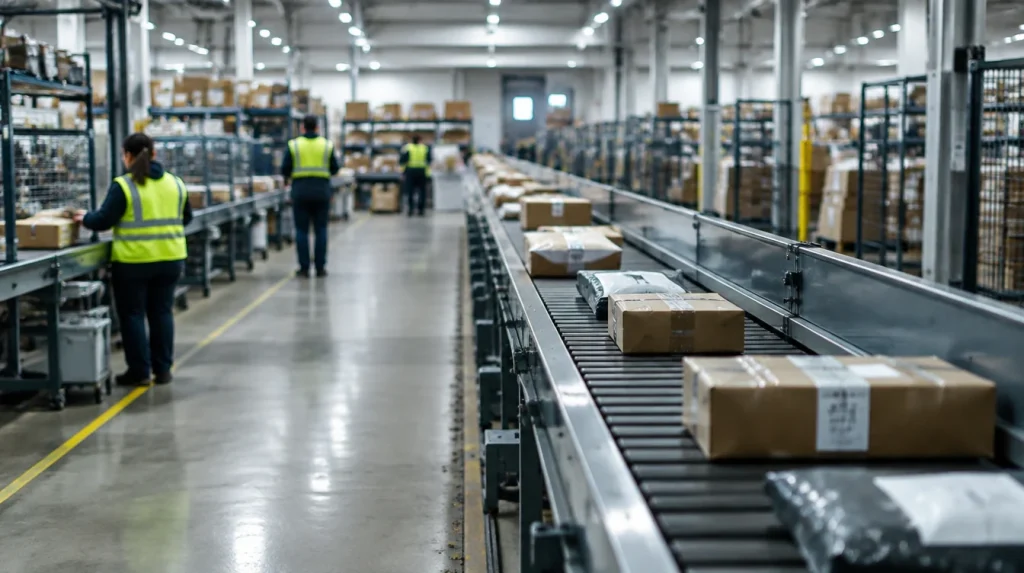
Shops have one problem other sites do not: they generate thousands of pages for themselves. A colour filter, a size filter, sorting by price - every combination is a new address, and Google spends time on them that should have gone on the products.
Which is why in a shop the work happens in a different order from an ordinary site.
Where the traffic actually comes from
The split we see across most shops with organic traffic:
| Page type | Share of organic traffic |
|---|---|
| Categories and subcategories | about half |
| Product pages | a third |
| Guides and the blog | a tenth |
| Home page and the rest | whatever is left |
The lesson is simple: if you only have time to sort out one type of page, it is the categories. And they are almost always an empty list of products with not a single word on them.
Step 1: stop the pages multiplying
This goes first and nothing else makes sense until it is solved.
The check: open Search Console, then Page indexing, and compare the number of discovered addresses with the number of products. If you have 800 products and Google has discovered 40,000 addresses, the filters are working against you.
What gets done:
- Filters and sorting do not get indexed. Combinations of colour and size have no business in the index.
- A canonical for variants. The same t-shirt in five colours is one product, not five.
- Pagination that does not lose pages. The second page of a category has to be reachable, but not competing with the first.
- Tags and attributes under control. Automatically generated tag pages are a common source of hundreds of empty addresses.
The exception: a filter people genuinely search for deserves its own page. "Running trainers" yes, "trainers blue size 8 sorted by price" no.
Step 2: categories as sales pages
A category is not a list of products but a page that has to rank and sell.
What goes on it:
- Text that answers the question the buyer has, above or below the list. Not three sentences for the sake of it but an explanation of how to choose.
- A structure based on how people search, not on how your warehouse is arranged. If everybody searches for "baby gear for under 6 months", make that a category.
- Subcategories for narrower queries. That is where you win searches the main category would never take.
- Questions and answers that customers actually ask on the phone.

Step 3: products, but by priority
With five thousand products you cannot write by hand, and you do not need to.
The rule: a description of your own goes to the products carrying the first twenty percent of revenue. The rest go with tidy schema and good names.
Why the description matters: the description from the manufacturer is on every other shop too. Google then picks one of them, and it is rarely the smallest. Your own writing is the only way to be different.
Mandatory on a product page:
Productschema with price, availability and rating- Customer reviews, with real names where possible
- Images with real file names and alt text
- The delivery time and cost, before the basket
Step 4: what to do with products you no longer stock
The most common mistake in shops and one of the most expensive.
Do not delete the product page. Deleting it loses you the page and every link that led to it, and creates a 404.
What to do instead:
- Temporarily out of stock - the page stays, with a note and a suggested alternative.
- Permanently discontinued, with a successor - a 301 redirect to the successor.
- Permanently discontinued, no successor - the page stays with a clear message and links to the category, or a 410 if it was seasonal.
Step 5: content around the purchase
Guides catch a buyer a week before they know exactly what they are looking for.
What works in practice: buying guides ("how to choose a mattress"), comparisons of two products, size charts, and answers to pre-purchase questions.
The key: every guide has to lead to a category or a product. Writing with no links to what you sell is decoration.
Speed here is revenue, not a technicality
In a shop, speed shows up in revenue directly. Most visits come from a phone, often on a poor connection.
The three things that carry the most weight:
- Product images at the right size and in the right format. The most common cause of a slow catalogue.
- Caching that does not break the basket. Harder than on an ordinary site, but perfectly doable.
- Fewer apps and scripts. Every third app loads something on every page.
Measure it on PageSpeed Insights, on a product page rather than the home page.
Measure through to the order, not to the visit
Without ecommerce tracking you do not know what is worth doing next. Set up:
- Revenue by source and by category
- Abandoned baskets and exactly where people give up
- On-site search - that is where you see what people want and you do not have
By platform
The principles are the same, the traps differ:
- WooCommerce - variations and tags create the most duplicates, and plugins hold the speed back.
- Shopify - it imposes a URL structure you cannot change, so you work inside it; apps are the main weight.
- Magento - layered navigation on a large catalogue can generate millions of combinations.
In short
Order in the catalogue first, then the categories, then products by priority, then the content around the purchase. Skipping the first step means everything else works at half strength.
How we do it is on our page about ecommerce SEO, and an example of the result is the BabyStyle case study, with 56% more traffic and 344 ranking keywords.