Website loading speed - how to check it and practical fixes
How to measure speed properly, what the three Core Web Vitals actually measure, and which fixes carry the most for the least effort.
Technical SEO5 min readMiloš
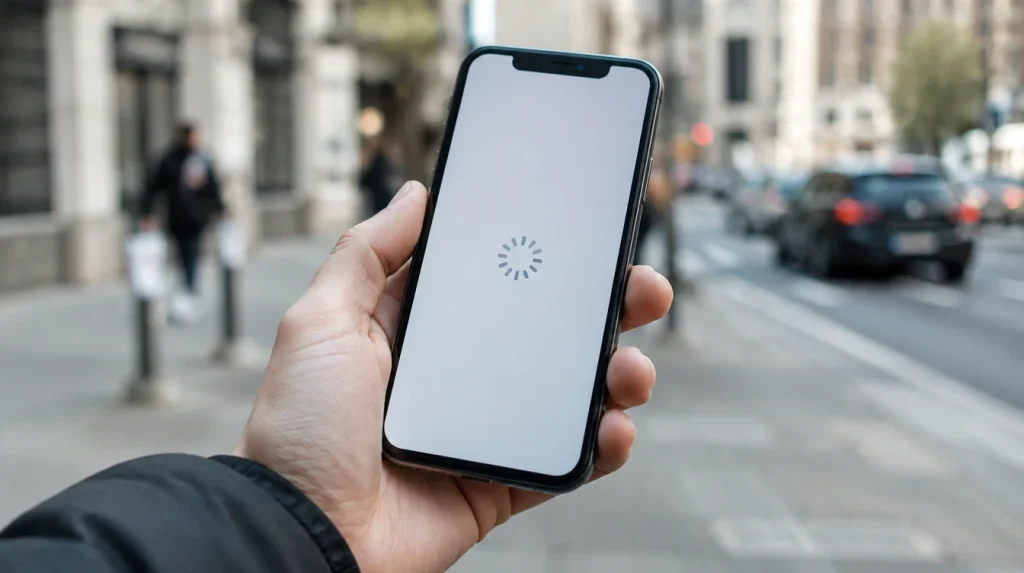
Speed is one of the few things in SEO you can see immediately and measure without guessing. It is also one of the few where half a day of work can change the numbers.
Here is how to measure it properly and what to fix first.
How to measure properly
The first rule: measure the mobile version. Google ranks on it, and most of your visitors are on a phone, often on a worse connection than you have in the office.
The second rule: do not measure the home page. It is usually the most optimised one. Measure a product page, a service page and a blog piece - those are the pages people actually arrive on from search.
The tool is PageSpeed Insights. At the top of the report, look at the field data (from real users), not the lab data. The lab test shows how it would be in ideal conditions; the field data shows how it actually is.
If there is no field data, the site does not have enough traffic for it to be collected - then lean on the lab numbers, but with reservations.
The three metrics that count
LCP - how long until the main thing appears
It measures when the largest element on the screen gets displayed, usually the hero image or a large heading.
The target: under 2.5 seconds. Over 4 is bad.
The most common culprit is an image that has not been resized, or a font that blocks rendering while it loads.
INP - how much the site lags when you touch it
It measures how long passes between a click or a tap and something happening. It replaced the older FID and it is stricter.
The target: under 200 milliseconds.
The culprit is almost always too much JavaScript - usually measurement scripts, chat windows and plugins that load on every page.
CLS - how much the content jumps around
It measures how much the page shifts while it loads. We all know the feeling: you go to click and the button jumps away because an image loaded above it.
The target: under 0.1.
The culprits are images and ads with no height set in advance, and fonts that change the size of the text once they load.
A detailed explanation of each metric is on web.dev.

Fixes by result against effort
Ordered by how much they carry for how much work.
1. Images (the biggest win, the least work)
A photograph straight off a phone is 4 MB and 4,000 pixels wide, and it gets displayed at 800. That is normal, and it is usually half the problem.
What to do:
- Resize to the size it is actually displayed at
- Switch to the WebP format
- Add
loading="lazy"to everything below the fold, but not to the main image at the top - that makes LCP worse - Set the width and height, so the page does not jump
2. Caching
With no cache, every page gets built again for every visitor. On WordPress, one good caching plugin is enough to halve the response time.
On a shop, make sure the cache does not cover the basket and the checkout.
3. Throwing out what you do not use
Open your plugin list and ask of each one: when did this last do anything?
Typically you find three to five plugins nobody uses, and each one loads its own styles and scripts on every page. This is the cheapest INP fix there is.
4. Fonts
Fonts from an external server add a connection before the text even appears.
- Put the font on your own server
- Use
font-display: swap, so the text shows immediately - Preload only the weight that is actually used above the fold
5. Third-party scripts
Analytics, a pixel, chat, a map, a reviews widget. Each one is a request to an external server you have no control over.
The rule: load them deferred, and only where they are needed. The map belongs on the contact page, not on every page of the site.
6. Hosting
Last on the list because it is the most expensive, but sometimes it is the right answer. If the server takes longer than 600 milliseconds to respond and everything else is sorted, the problem is the hosting.
We have a separate piece on choosing one: how to buy web hosting.

How much speed really affects positions
Honestly: less than people think, but more than it looks.
Speed is a ranking factor, but a weak one compared with the relevance of the content. A slow page with a perfect answer can still be first.
But speed strongly affects what happens after the click - how many people stay, how many buy, how many come back. And those are signals Google follows indirectly.
Which is why we treat speed as conversion work that helps SEO along the way, rather than the other way round.
When to stop
A score of 100 out of 100 is not the goal and it rarely pays off.
Once you are in the green on all three field metrics, you have stopped. Further tinkering spends days on single points nobody will feel. That time is better put into content.
In short
Measure the mobile version and the pages people actually arrive on. Images first, then caching, then throwing out what is surplus. Once you are in the green, stop.
If you want somebody to go through this with you, it is part of technical SEO. Or book a 30-minute call and we will look together.